
Claude vs ChatGPT for Coding: Which AI Is Better for Developers in 2026?

If you're a developer trying to decide between Claude and ChatGPT for your daily coding work, you're not alone. Both AI assistants have their strengths, but when it comes to programming, there are clear differences that matter.
Having used both extensively—from OpenAI's early DaVinci models in 2020 to the latest Claude 3.5 Sonnet—I've found that choosing the right AI can significantly impact your productivity. This guide breaks down exactly where each model excels and where it falls short.
Whether you're building web applications, refactoring legacy code, or automating workflows, understanding these differences will help you pick the right tool for each task.
The Models You Should Actually Use
 Choosing the right AI model for your specific coding task matters more than you think
Both Anthropic and OpenAI offer multiple models, but not all are created equal for coding. Here's what you should know:
Claude's lineup:
- Claude 3.5 Sonnet - Best price-to-performance for coding
- Claude 3.5 Haiku - Faster but less capable
- Claude Opus - More expensive, marginal gains
- Claude 3.7 Sonnet - Newest, still being evaluated
ChatGPT's models:
- GPT-4o - Best balance of speed and capability
- GPT-4.5 - More expensive with incremental improvements
- o1 and o3 - Reasoning models for complex problems
For most coding tasks, Claude 3.5 Sonnet and GPT-4o offer the best value. These are the models I'll compare throughout this guide.
Context Window: Why Claude Has a Major Advantage
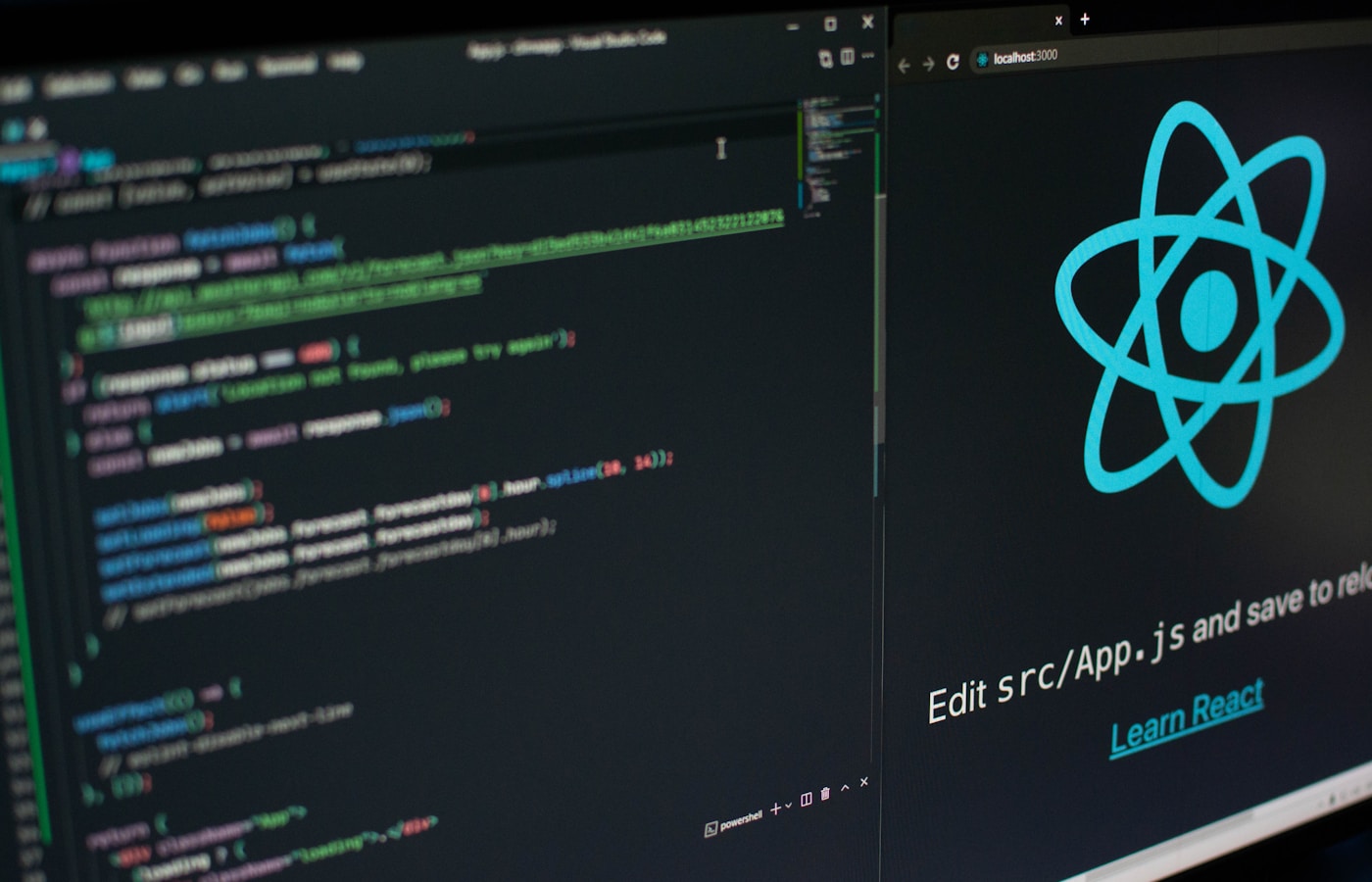 More context means better understanding of large codebases
When working with code, especially large projects with interconnected files, context window size matters enormously. Here's the breakdown:
| Model | Context Window |
|---|---|
| Claude 3.5 Sonnet | 200,000 tokens |
| GPT-4o | 128,000 tokens |
That's nearly twice the context for Claude. In practical terms, this means Claude can hold more of your codebase in memory simultaneously—understanding how functions in one file relate to hooks in another.
This is exactly why AI-powered IDEs like Cursor and Windsurf default to Claude. More context leads to more accurate suggestions and fewer "hallucinated" function names.
For OpenClaw users, this translates directly to better results when using Claude as your backend model for coding assistance.
Pricing Comparison: What You'll Actually Pay
 Understanding the true cost of AI-assisted development
API pricing determines your actual cost when building applications or using tools like OpenClaw:
| Model | Input (per 1M tokens) | Output (per 1M tokens) |
|---|---|---|
| Claude 3.5 Sonnet | $3.00 | $15.00 |
| GPT-4o | $2.50 | $10.00 |
GPT-4o is cheaper on paper, but Claude's larger context window often means you need fewer API calls to accomplish the same task. For sustained coding sessions, the total cost difference may be minimal.
If you're using OpenClaw for your AI assistant needs, you can easily switch between models based on the task at hand—using GPT-4o for quick questions and Claude for deeper code analysis.
Real-World Coding Test: Building a Developer Homepage
 Testing both models with the same frontend development task
I ran both models through a practical test: "Build a homepage for a developer portfolio."
Speed: ChatGPT completed the task in seconds. Claude took noticeably longer.
Output quality: This is where things get interesting.
The Claude-generated page featured:
- Properly styled text with gradients and bolding
- Well-spaced UI elements
- Thoughtful button placement
- SVG icons with appropriate colors
- Professional navbar with logo and call-to-action
The ChatGPT version:
- Basic styling with default spacing
- Minimal visual hierarchy
- Generic component layout
- No icon usage
Verdict: Claude produces significantly better frontend code and design decisions out of the box. If you're building user-facing applications, this matters.
IDE Integration: Cursor, Cline, and VS Code
 How Claude and ChatGPT perform inside your development environment
Modern AI-powered development happens inside your IDE. Here's how each model performs:
With Cursor (Agent Mode): Claude 3.5 Sonnet excels at refactoring tasks. When asked to rename variables from "expandedElementIDs" to "collapsedElementIDs" across an entire project, Claude:
- Scanned all relevant files
- Identified dependencies I didn't explicitly reference
- Updated variable names AND related functionality
- Maintained project consistency
GPT-4o on the same task often:
- Overcomplicated or undercomplicated solutions
- Missed project-wide implications
- Required multiple iterations to get right
With Cline (VS Code Extension): Cline lets you choose your backend model for planning and executing code changes. With Claude, you get:
- Comprehensive file scanning
- Architecture diagrams showing component relationships
- Detailed refactor plans
With GPT-4o, the same requests produced:
- Generic project summaries
- Repeated information without depth
- No visual architecture diagrams
Automation Tasks: Where ChatGPT Shines
 For Zapier and similar automation tools, ChatGPT often performs better
It's not all wins for Claude. When it comes to automation workflows—think Zapier, Make, or n8n—ChatGPT tends to produce cleaner, more usable output.
Example task: Summarize YouTube video descriptions and post to Discord.
ChatGPT-4o:
- Clean, concise summary
- Properly formatted for Discord
- Ready to post immediately
Claude:
- Longer output with unnecessary additions
- Added hashtags (not wanted)
- Included meta-commentary like "Here's a suggested Discord announcement"
For general-purpose automation and quick tasks, ChatGPT's output requires less cleanup. Claude's tendency to be thorough becomes a liability when you want minimal, action-ready responses.
OpenClaw Integration: Best of Both Worlds
 Use OpenClaw to switch between Claude and GPT based on the task
If you're running OpenClaw as your personal AI assistant, you get flexibility that web interfaces don't offer:
- Model switching on the fly - Use Claude for coding tasks, GPT for automation
- Custom system prompts - Tune each model's behavior for your workflow
- Persistent context - Your AI remembers your projects and preferences
- Multi-platform access - Same assistant on Discord, Telegram, or CLI
This is particularly powerful for developers who need different AI capabilities throughout their day. Morning code review? Claude. Afternoon automation setup? GPT-4o.
When to Use Each Model
 Quick reference for choosing the right AI for your task
Based on extensive testing, here's my recommendation:
Use Claude for:
- Frontend development and UI/UX code
- Large codebase refactoring
- Architecture planning and documentation
- Code review and quality improvements
- Any task requiring deep context understanding
Use ChatGPT for:
- Quick code snippets and one-off scripts
- Automation workflow configuration
- API integration tasks
- General questions requiring web search
- Tasks where speed matters more than depth
Conclusion
 Choose the right AI model for your development workflow
For pure coding work—especially frontend development, refactoring, and architecture—Claude 3.5 Sonnet consistently outperforms GPT-4o. The larger context window, better design sensibilities, and more thorough analysis make it the go-to choice for serious development work.
That said, ChatGPT isn't obsolete. Its speed advantage and cleaner output for automation tasks keep it relevant. The ideal setup is having access to both models and using each where it excels.
Recommended next steps:
- Set up OpenClaw on your VPS for model flexibility
- Try the local OpenClaw setup if you want to experiment first
- Configure automation workflows that leverage both models
The AI coding landscape changes fast, but understanding these fundamental differences will help you make better tool choices regardless of which new models appear next.
FAQ
 Common questions about choosing between Claude and ChatGPT for development
Is Claude really better than ChatGPT for coding?
For frontend development, refactoring, and tasks requiring deep codebase understanding, yes. Claude's larger context window and better design output give it a clear edge. For quick scripts and automation, ChatGPT often produces cleaner results.
Why do Cursor and Windsurf default to Claude?
The 200,000 token context window allows these IDEs to send more of your codebase to the AI, resulting in more accurate suggestions. More context = better understanding of how your code connects.
Can I use both models with OpenClaw?
Yes. OpenClaw supports multiple AI backends. You can configure different models for different tasks or switch on the fly based on what you're working on.
Which model is cheaper for heavy API usage?
GPT-4o has lower per-token pricing, but Claude's larger context window often means fewer total API calls for complex tasks. Calculate based on your specific usage patterns.
Should I pay for Claude Pro or ChatGPT Plus?
If you primarily code, Claude Pro offers better value. If you need web search, image generation, and general-purpose assistance, ChatGPT Plus has more features. For API access, both have separate pricing.
More Articles
The Ultimate OpenClaw AWS Setup Guide

The definitive guide to setting up OpenClaw on AWS. Includes spot instance configuration, cost optimization, and step-by-step instructions.
Building AI Workflows with Tool Chaining in OpenClaw
Master the art of chaining tools and function calls to build powerful multi-step AI automation workflows—from data extraction to content generation and deployment.
Cost Optimization Guide for Self-Hosted AI Assistants: Run Claude on a Budget
Practical strategies to reduce API costs for self-hosted AI assistants—smart model routing, caching, batching, and OpenClaw-specific optimizations to run Claude affordably.